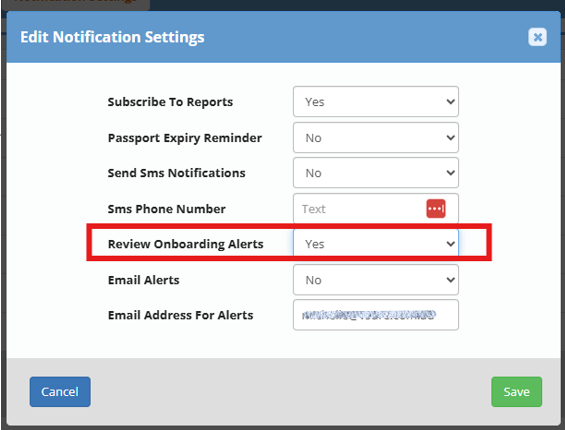
Depending on the volume of recruitment, you may find your inbox inundated with notifications to review onboard requests. These notifications are an optional setting. You have 3 choices:
- No - No notifications for reviews
- Yes - receive a notification for every candidate that completes the self-onboard
- Only Onboards I Send - self explanatory
To modify the notifications:
1. Hamburger Menu
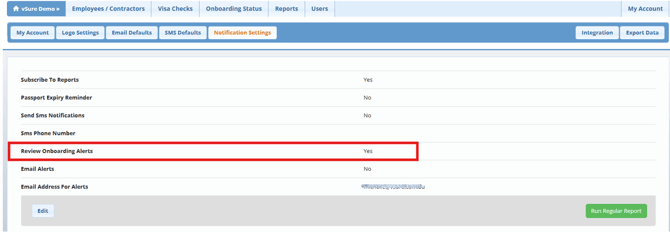
2. Notification Settings
3. Edit
4. Select the setting you want
5. Save