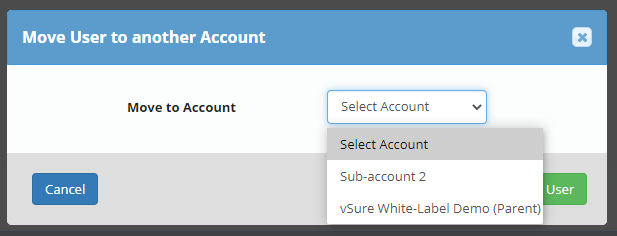
Some times you may need to move a user of vSure:
- between different sub accounts; OR
- From sub-account to Parent / Head Office / White-label level; OR
- From Parent / Head Office / White-label level to sub-account;
vSure allows you to manage your own moving of users.
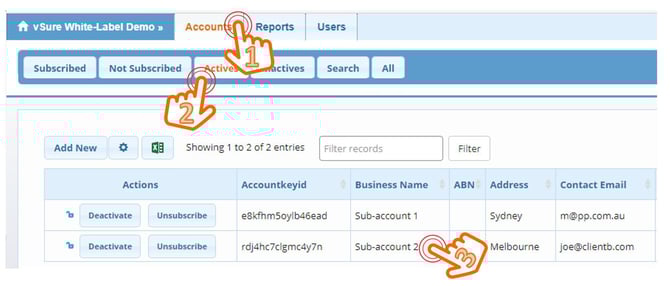
1. Go to the Sub Account (or Parent account) where the user currently is set-up
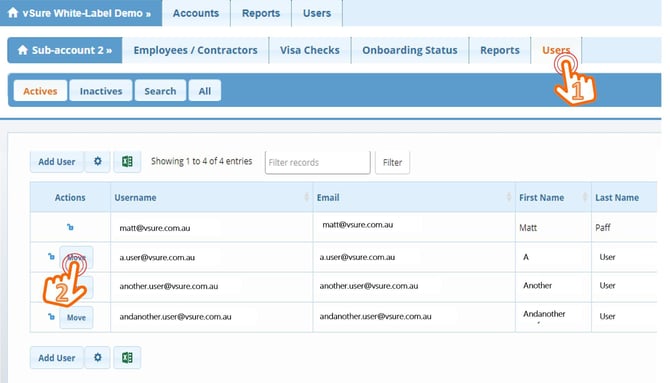
2. Navigate to the Users Tab
Select Move next to the specific user you want to Move
3. Select Where you want to Move them to and then Move User