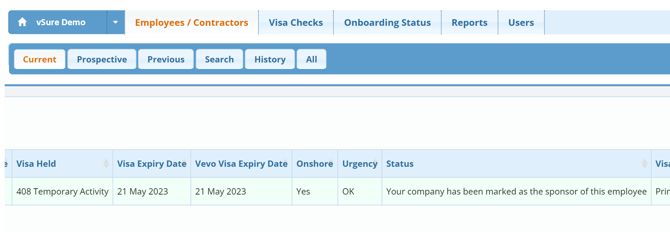
By default, vSure will identify any sponsored visa holder with the Orange, "IMPORTANT" status. This is to ensure that your organisation is in fact the sponsor (as most sponsored visa holders cannot work for another company other than their sponsor).
You can now identify your company as the employer, which will turn the visa holder Green and the "OK" status.
Indicating you are the sponsor during the Self Onboarding Review
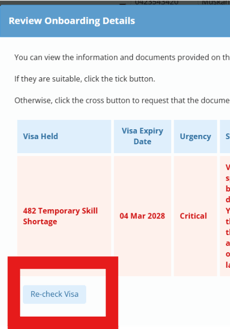
1. vSure identifies sponsored employee within the review screen
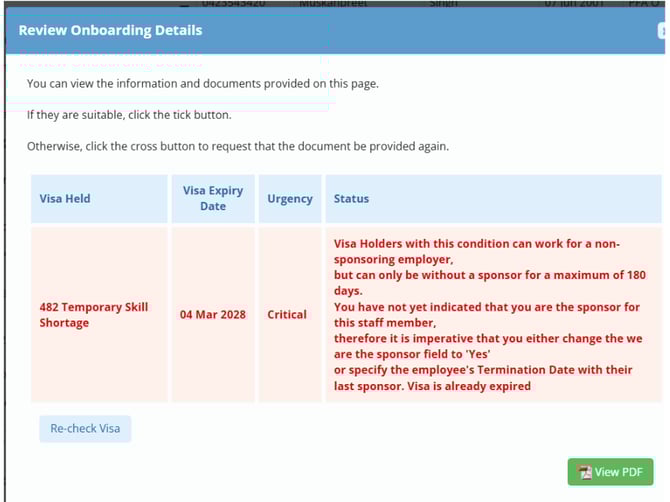
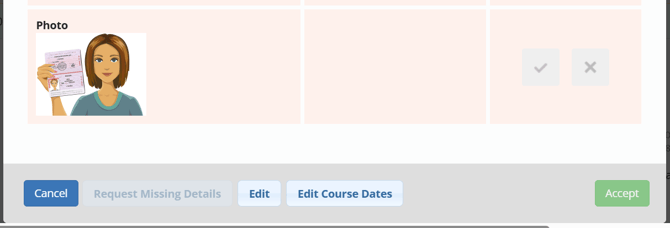
2. If you are sponsoring the employee, scroll to the bottom and Edit the record.
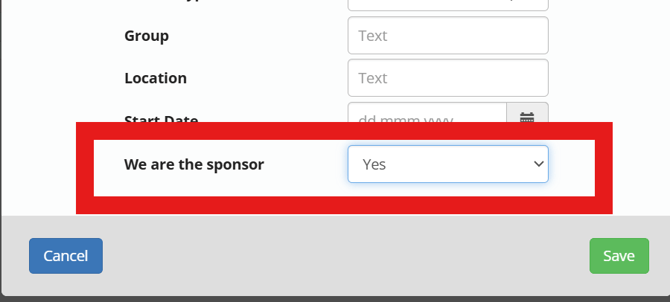
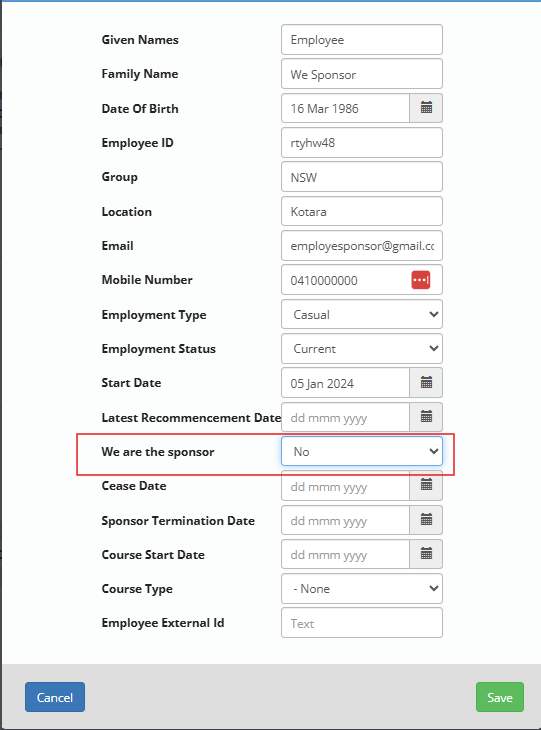
3. Then indicate you are the sponsor by selecting 'Yes' to We are the sponsor and Save
4. Select the employee to review again and Run a 'Visa Check'
5. The employee now turns green and changes to OK Status
Indicating you are the sponsor of an Employee/Contractor
1. vSure identifies sponsored employee with Orange "IMPORTANT" status
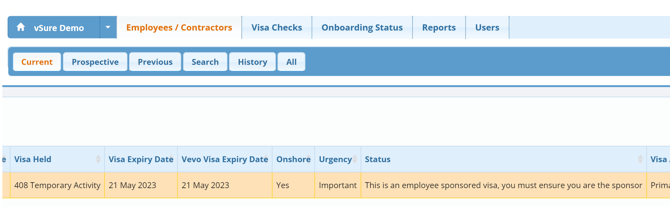
2. Open the employee file and select Edit from the bottom options, then select 'Yes' to We are the sponsor.
3. Run a Visa Check and the employee now turns green and changes to OK Status