
Whilst we recommend the Employer Onboarding Wizard which provides an optimised workflow for quickly and easily onboarding Employees/Contractors, the alternative, similar option is to use the Import From Passport Scan feature.
The key difference: Import From Passport Scan does not provide for a workflow / answer questions process and only works for Passports (no Birth Certificates, Citizenship Certificates, Immicard etc). You literally just Import the Passport and add the additional details. No questions around Citizenship no additional documents for student visas etc.
1. Login
Simply go to https://webapp.vsure.com.au/login OR your dedicated unique login URL and log in.
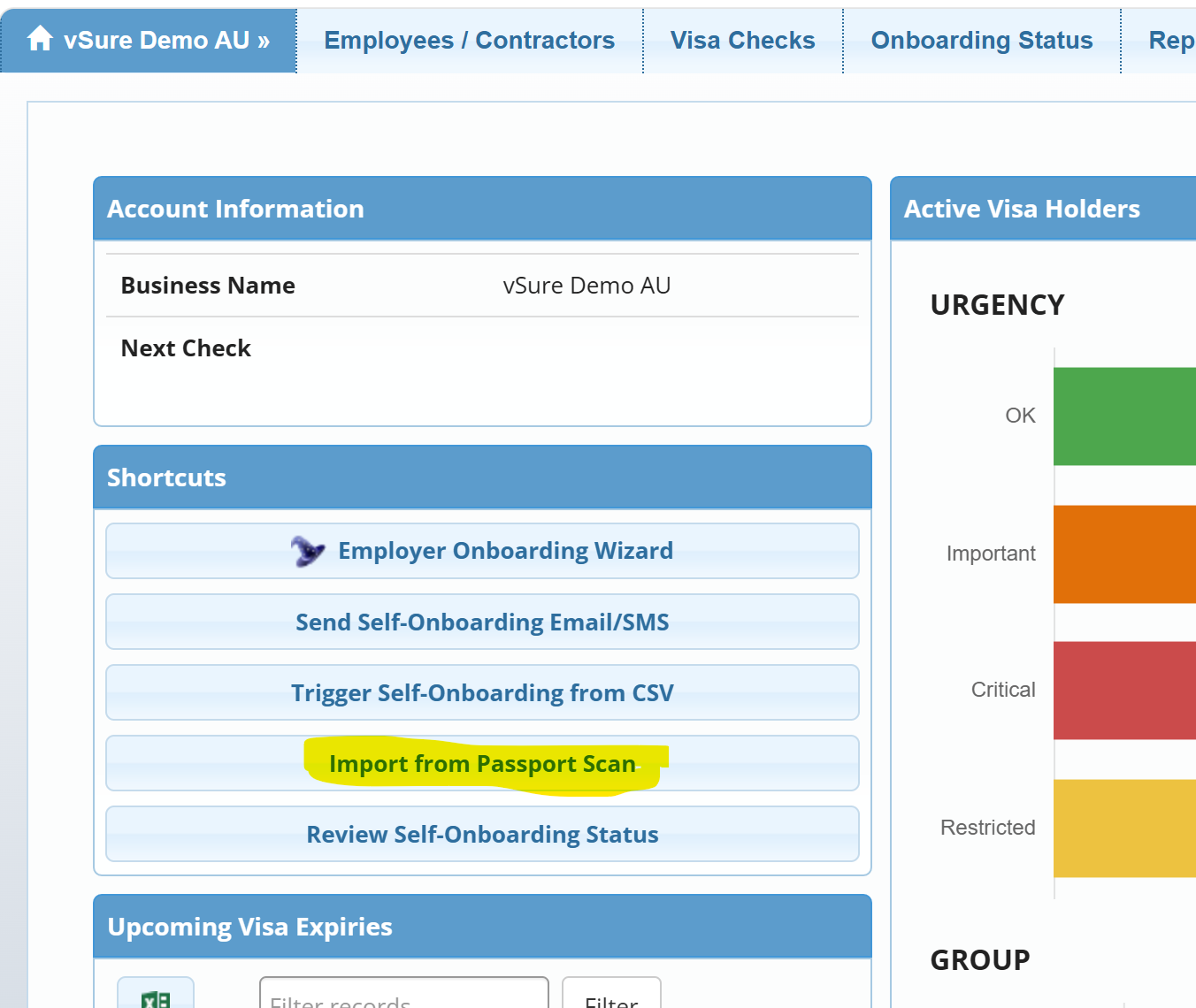
2. From the Dashboard, click the "Import from Passport Scan" Shortcut
3. Drag and Drop into the dotted area or Select File and upload
NOTE: Maximum uploaded file size is 5Mb. If you image/pdf is larger, you will need to shrink it before uploading. An easy option is to take a screenshot or screen snip.
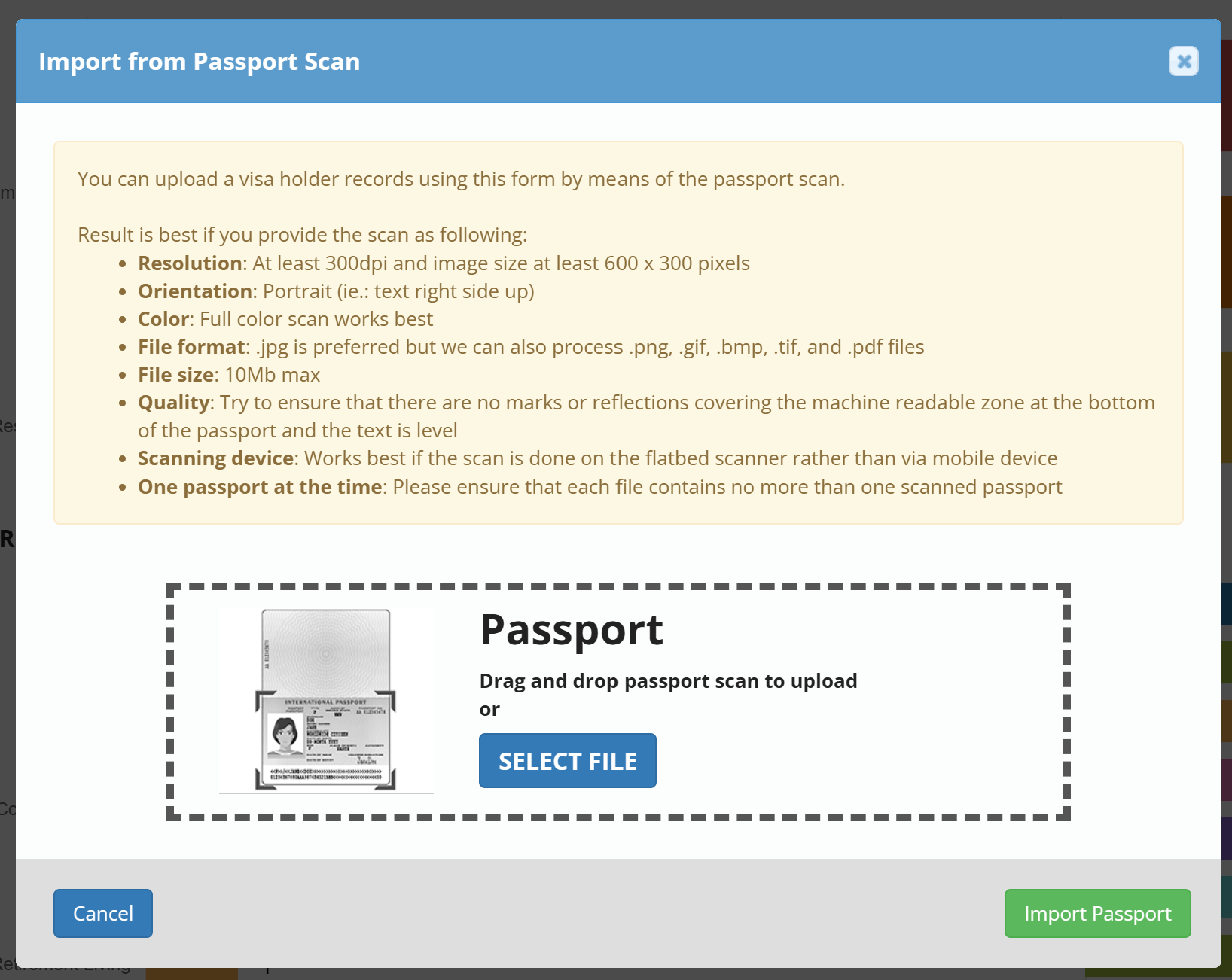
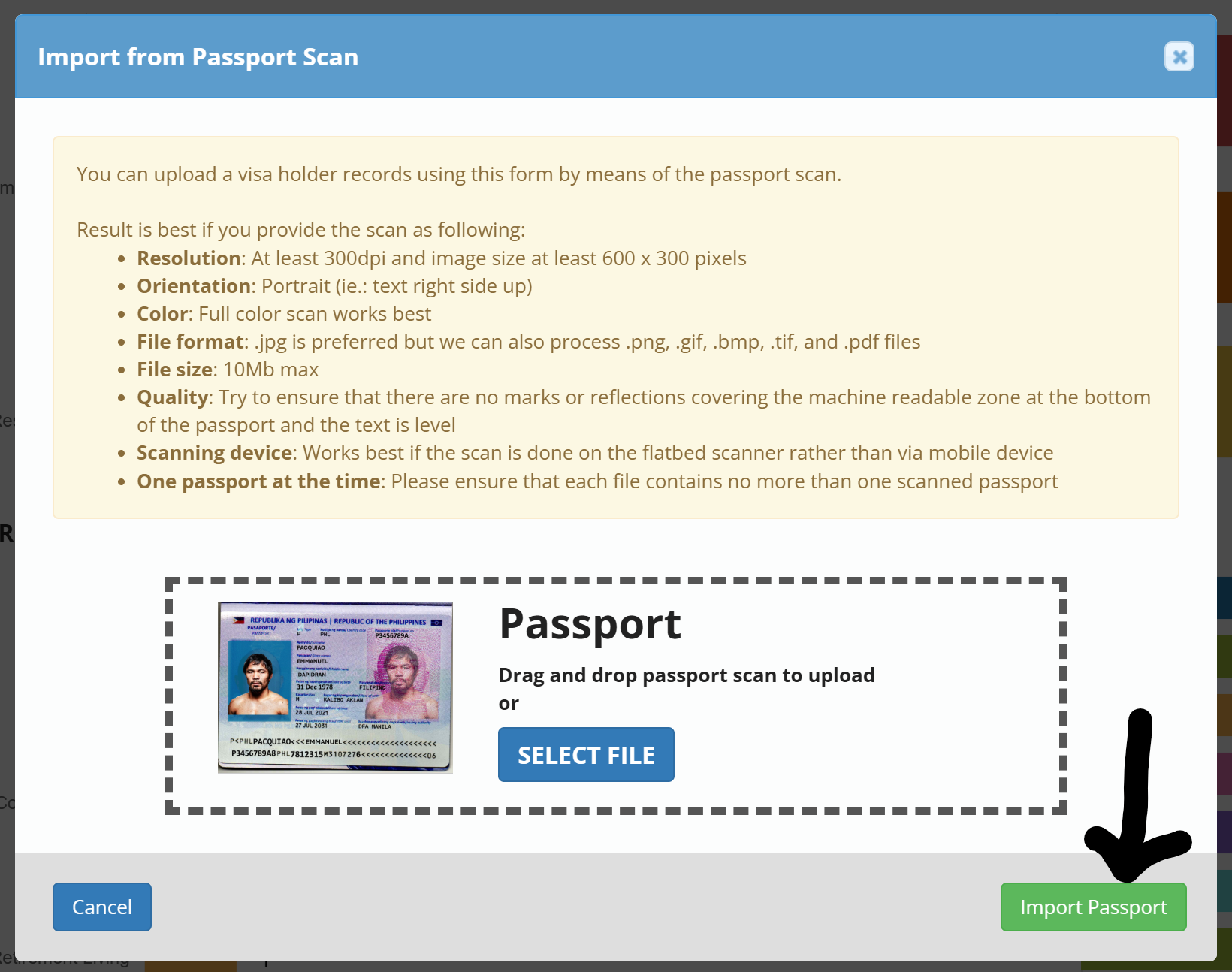
Drag and Drop or Select File and Select the Import Passport button to progress
Then simply add the details you need - remembering if you have an integration the EmployeeID MUST be completed.
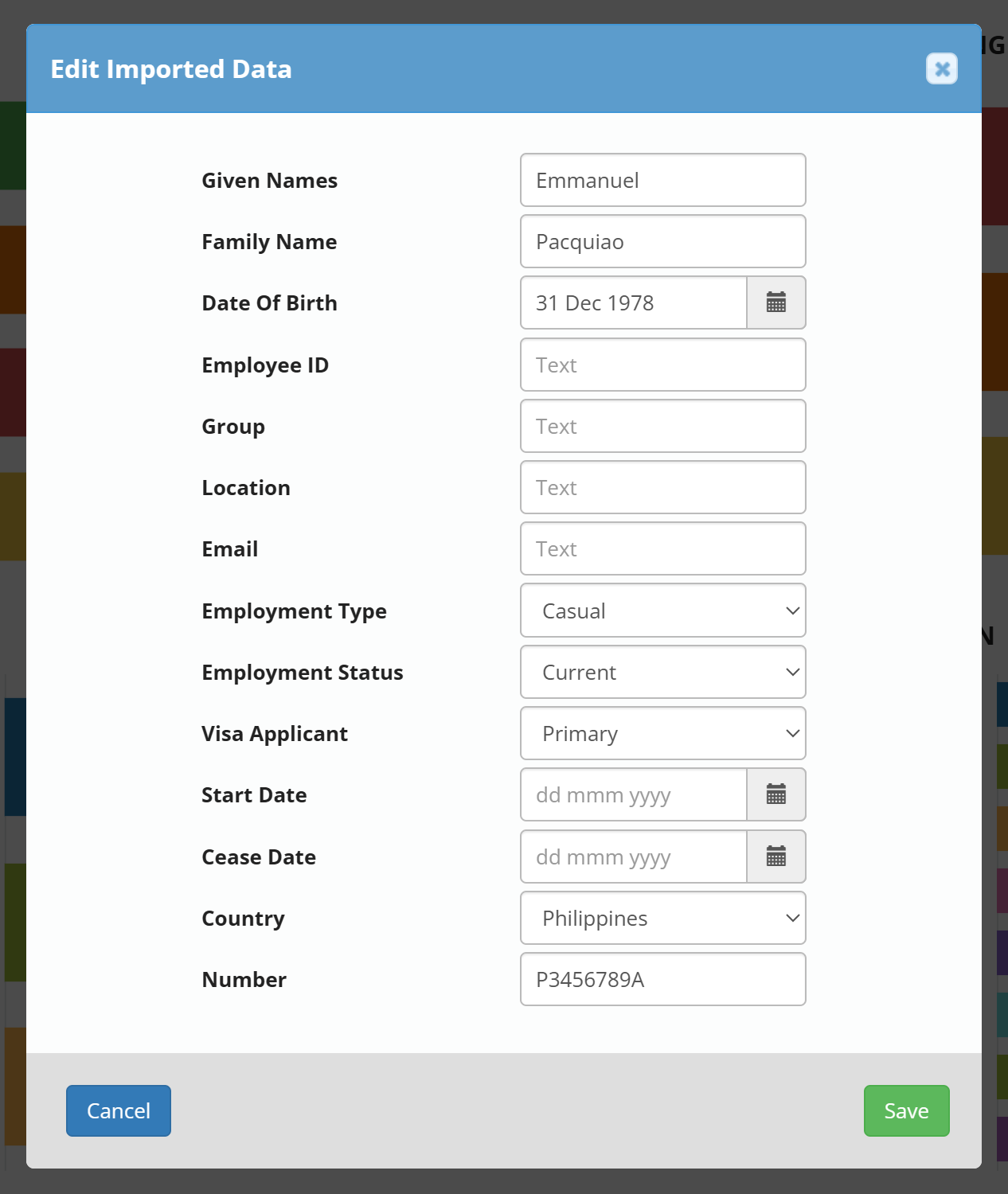
Then simply Save.