
The product formerly known as KeyPay is one of Australia's most widely used payroll solutions.
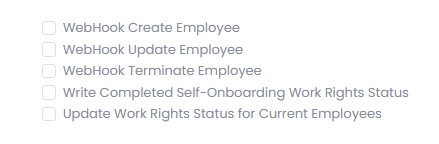
Our integration allows:
- New employees added to Employment Hero Payroll, trigger a self-onboarding Right to work request from vSure.
- Work rights to be sync'd from vSure to Employment Hero Payroll for citizens and visa holders as a qualification
- Changes to employees names, contact details and locations in Employment Hero Payroll to update vSure
- Terminations in Employment Hero Payroll to automatically Move staff to Previous status in vSure.
- Reactivation of a terminated employee in Employment Hero Payroll to automatically Move staff to Current status in vSure.
Set-up a Qualification in EH Payroll
In Employment Hero Payroll, you will need to set-up a Qualification called "Work Rights" or "Right to Work".
Employment Hero API Key and Business ID
We need a API Key and the business ID for your EH Payroll.
The following article covers the creation of an API Key in Employment Hero Payroll https://api.keypay.com.au/australia/guides/BasicAuth
OR in Payroll go to:
- Briefcase menu
- Payroll Settings
- Down the bottom under Advanced is My account
- Security
- At the bottom of that page should be "API key"
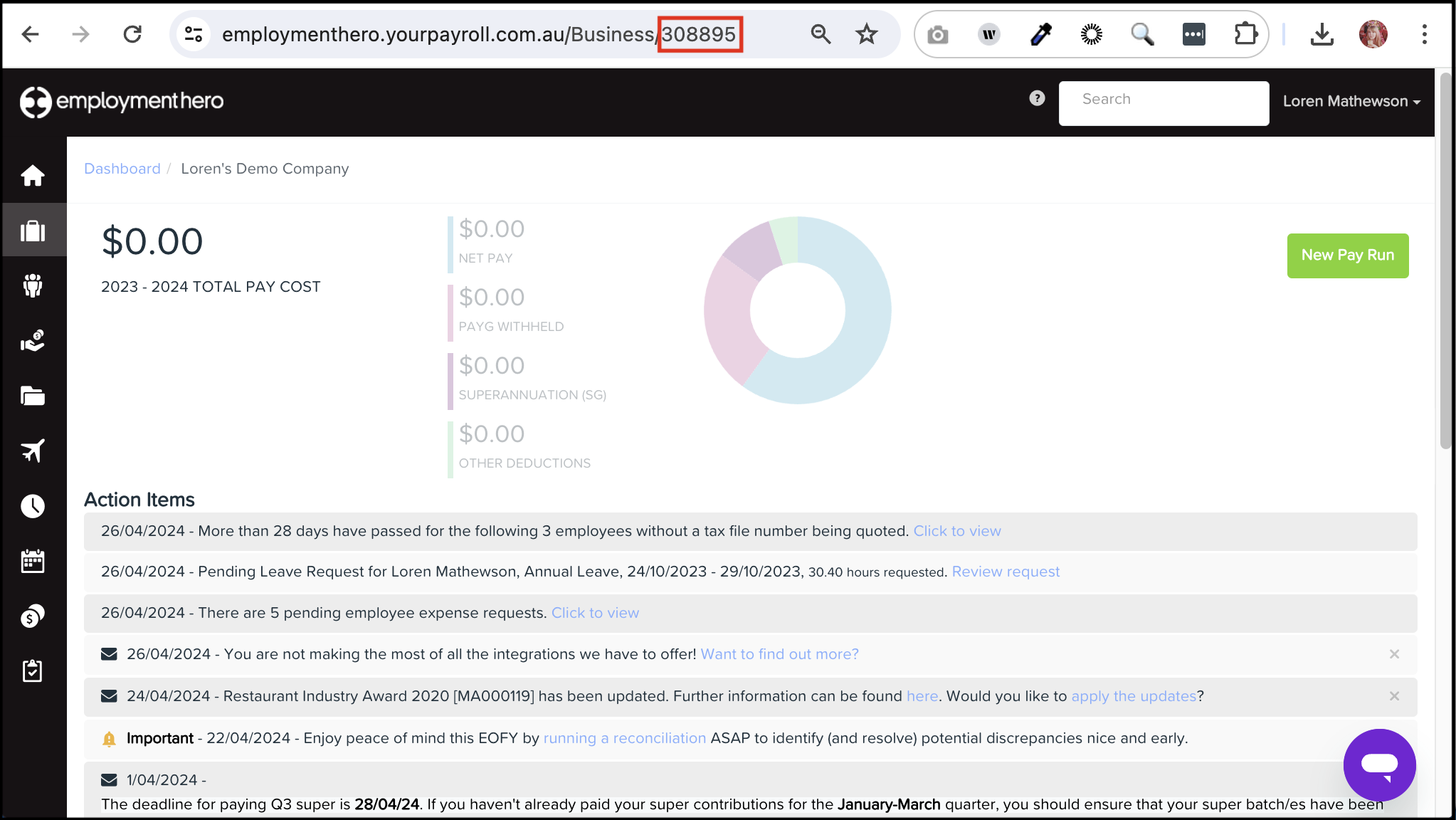
Business ID can be found in the URL
Workflow
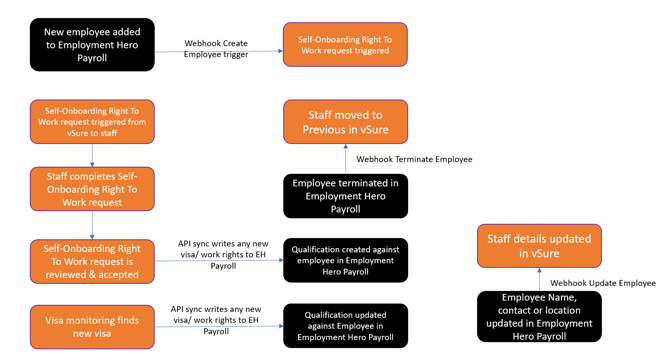
All or components of the Employment Hero integration can be used. Talk through the options with your vSure representative.