
You have the ability to edit and save a default email that is used when sending a work rights request email to a candidate/employee/contractor:
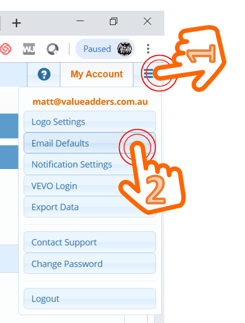
1. Hamburger Menu
2. Email Defaults
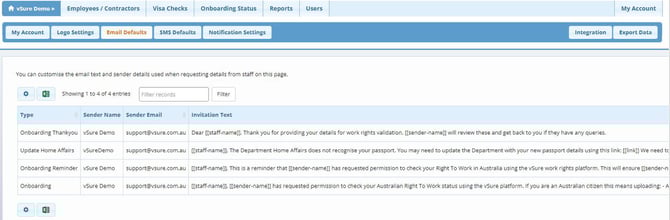
3. Select the email by clicking the text
4. Edit and save email details as you wish
You can edit:
- The Sender name;
- The Reply-To Address;
- The email body; and
- The email signature:
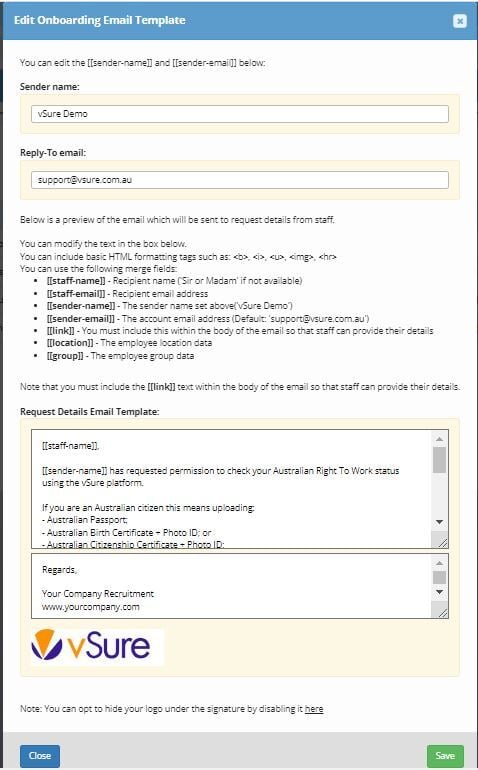
Note the merge fields are explained on the screen. PLEASE do not delete the [[link]] field, this is a critical field.