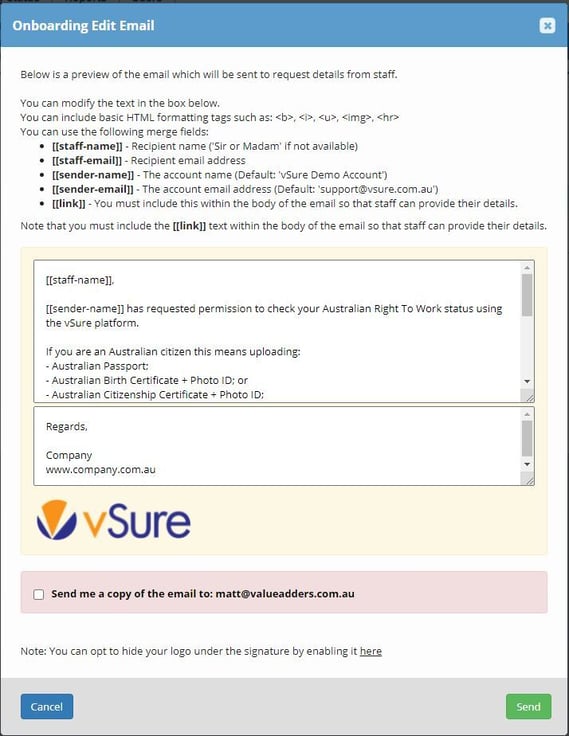
In vSure you can now bulk push out an SMSs and/or Emails to your existing staff to upload any new documents you need from them.
To request a document from multiple employees, start from the Employees/Contractors - Current Tab:
1. Employees/Contractors | Current
Use filtering or Search to identify the relevant staff and use the selector box to choose who you want to send to:
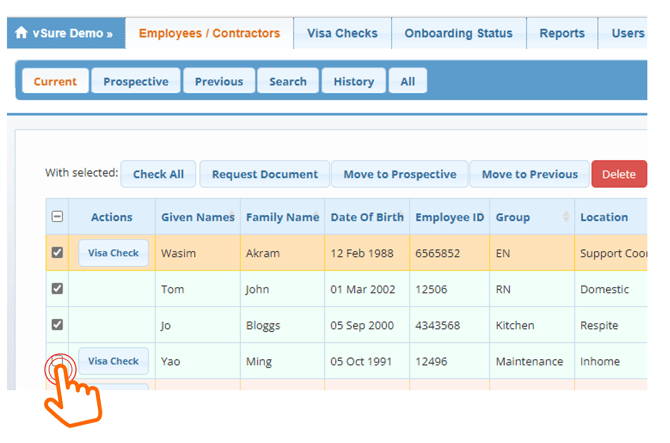
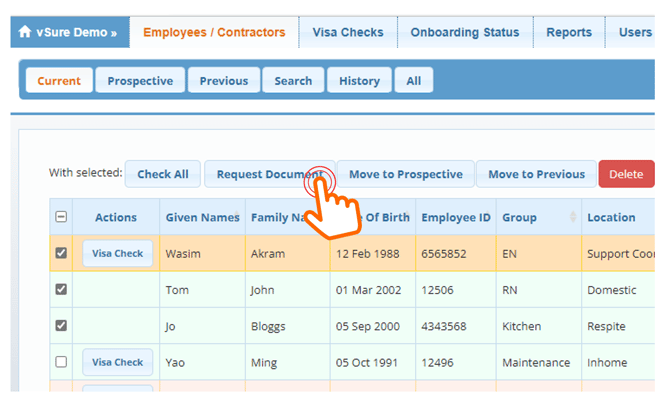
2. Select the "Request Document" Button at the top
This button appears after you select staff:
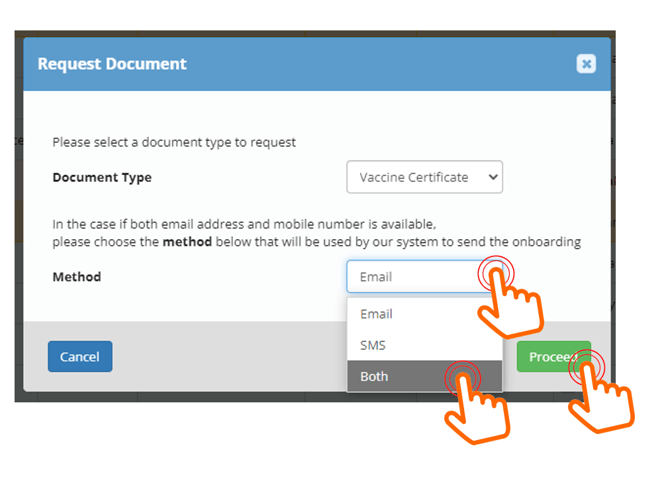
3. Select Document you wish to collect
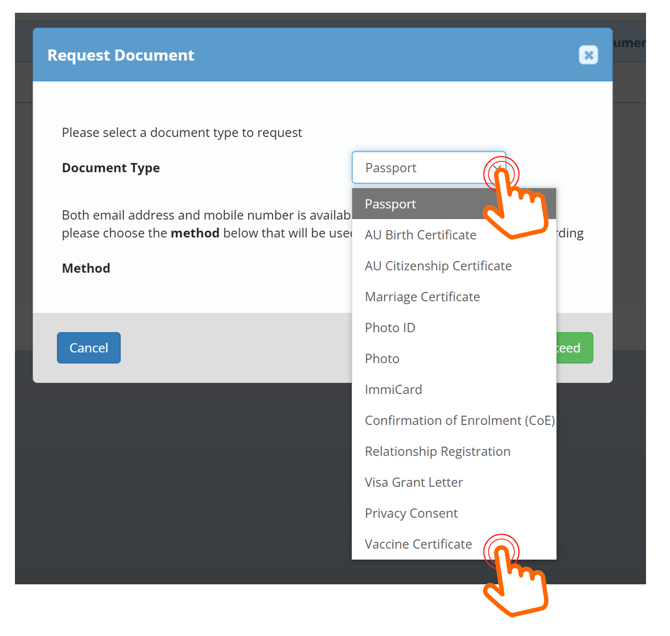
4. Nominate how you want to send (Email, SMS or Both) and select Proceed
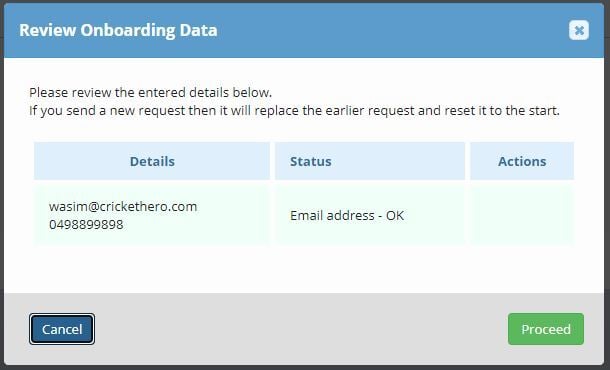
5. The System will check for existing requests - Proceed
This allows you to discard previous requests OR stop if you don't need to send a new request
6. Then edit the text of the SMS and/or Email and Send